Organize your activities, without feeling overwhelmed

Any browser
Desktop
Mobile
Notes view

How it works

Create as many planners as you like, for traveling, cooking, exercise, hobbies, or anything else you care about. Each one comes with useful tools: todos, notes, calendar, journal, and more.

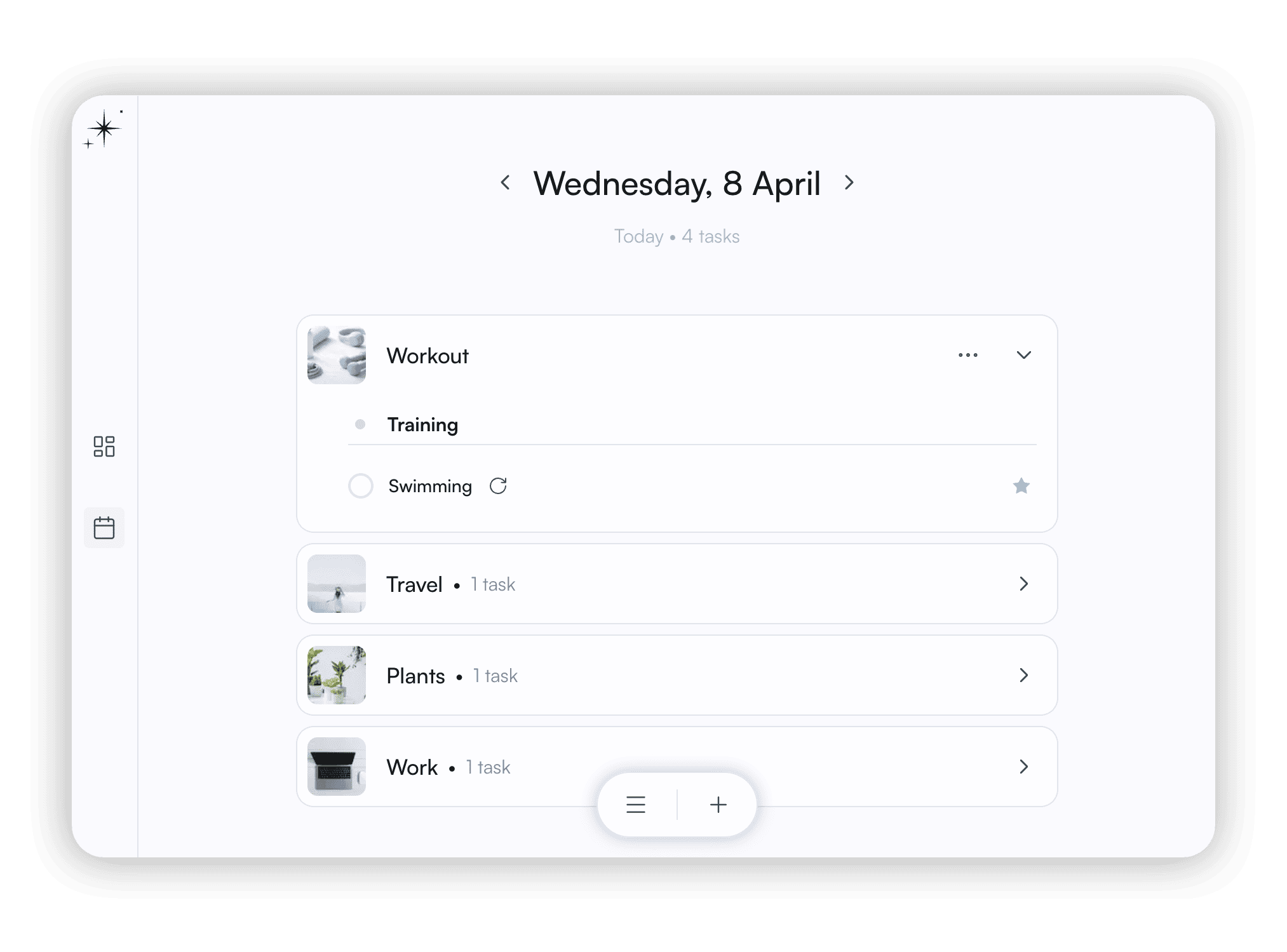
Your tasks are displayed in one daily view, so you always see the full picture of your day from different planners and only what you need.

Planners

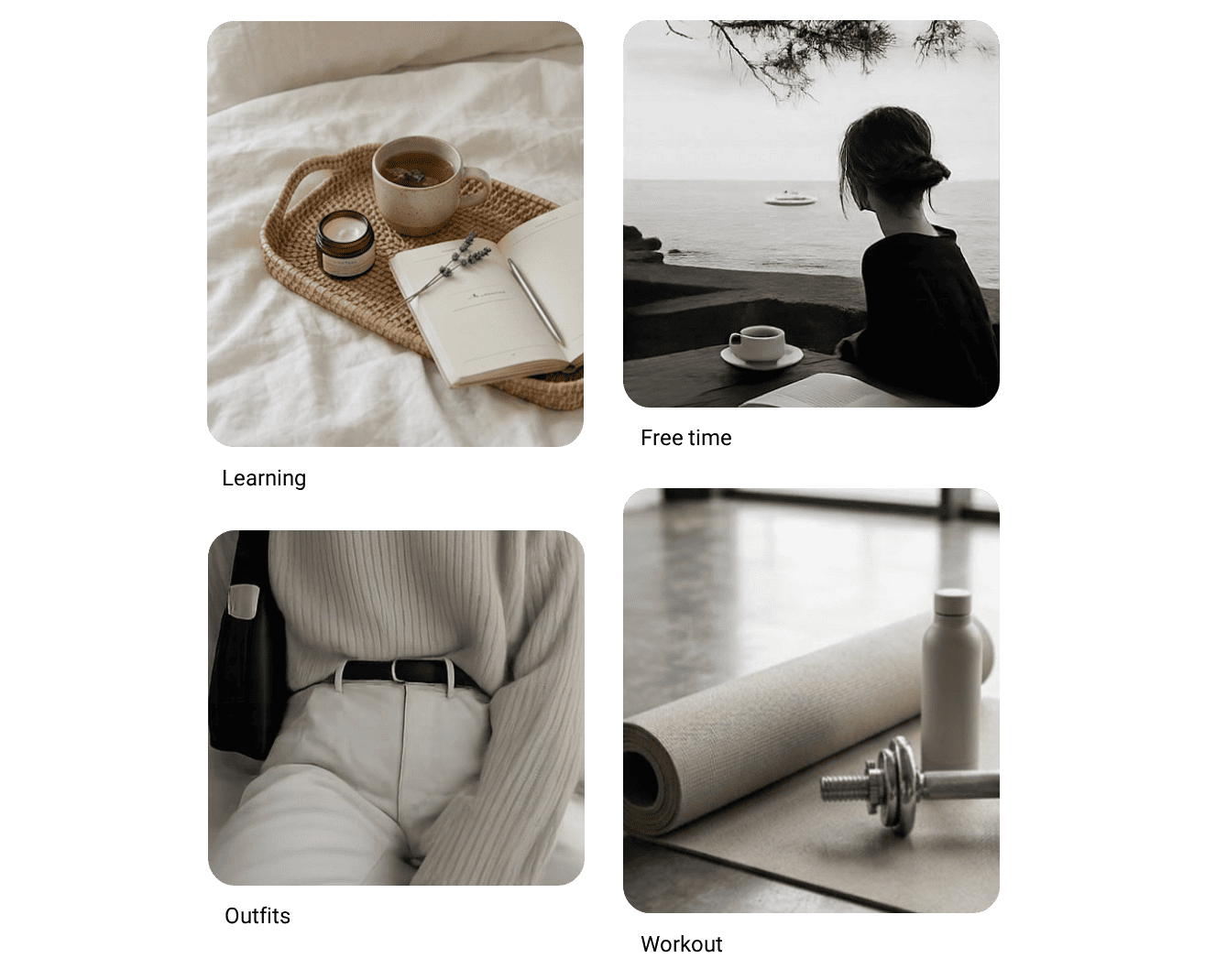
Multiple planners

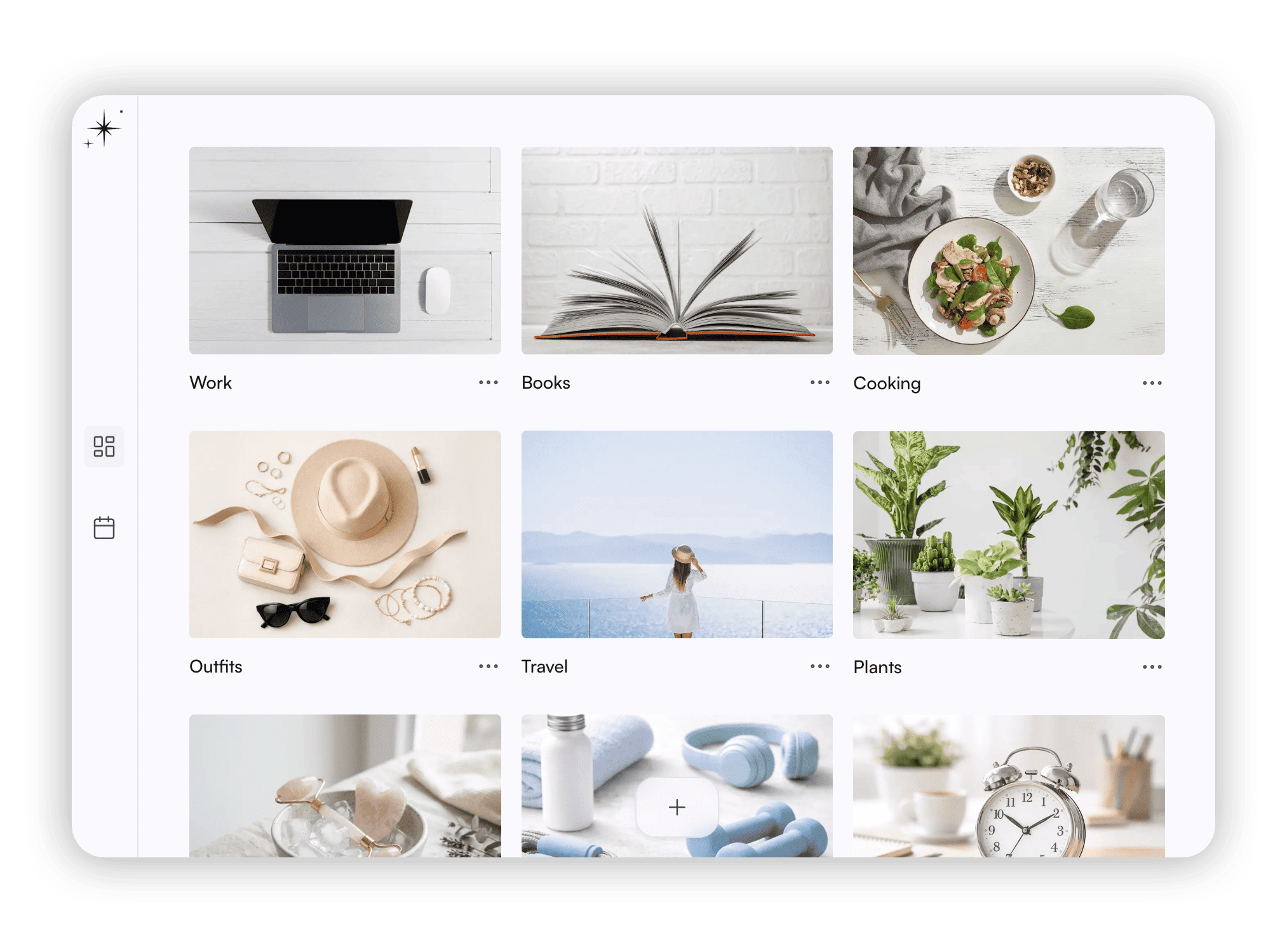
Nerali app - planners view

You can focus on one area at a time. Work stays in work. Training stays in training.

Planners work independently and each has its own tasks and projects, notes, calendar, and journal.

Main calendar

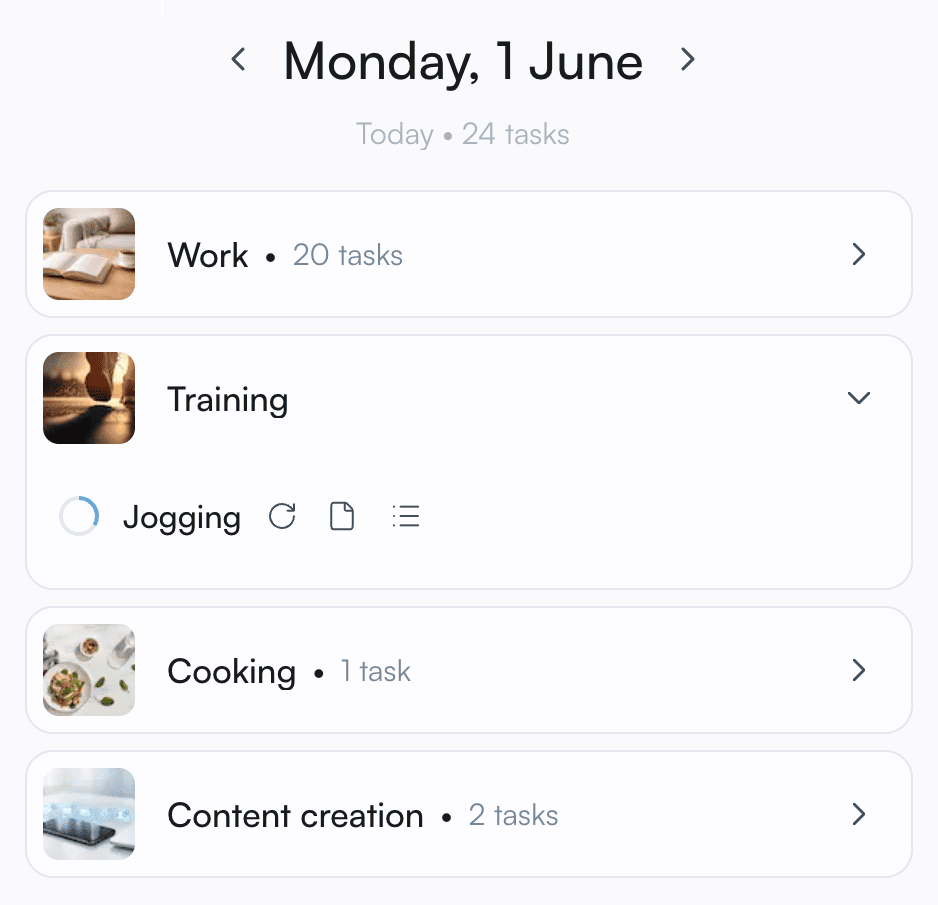
Today view

Today view

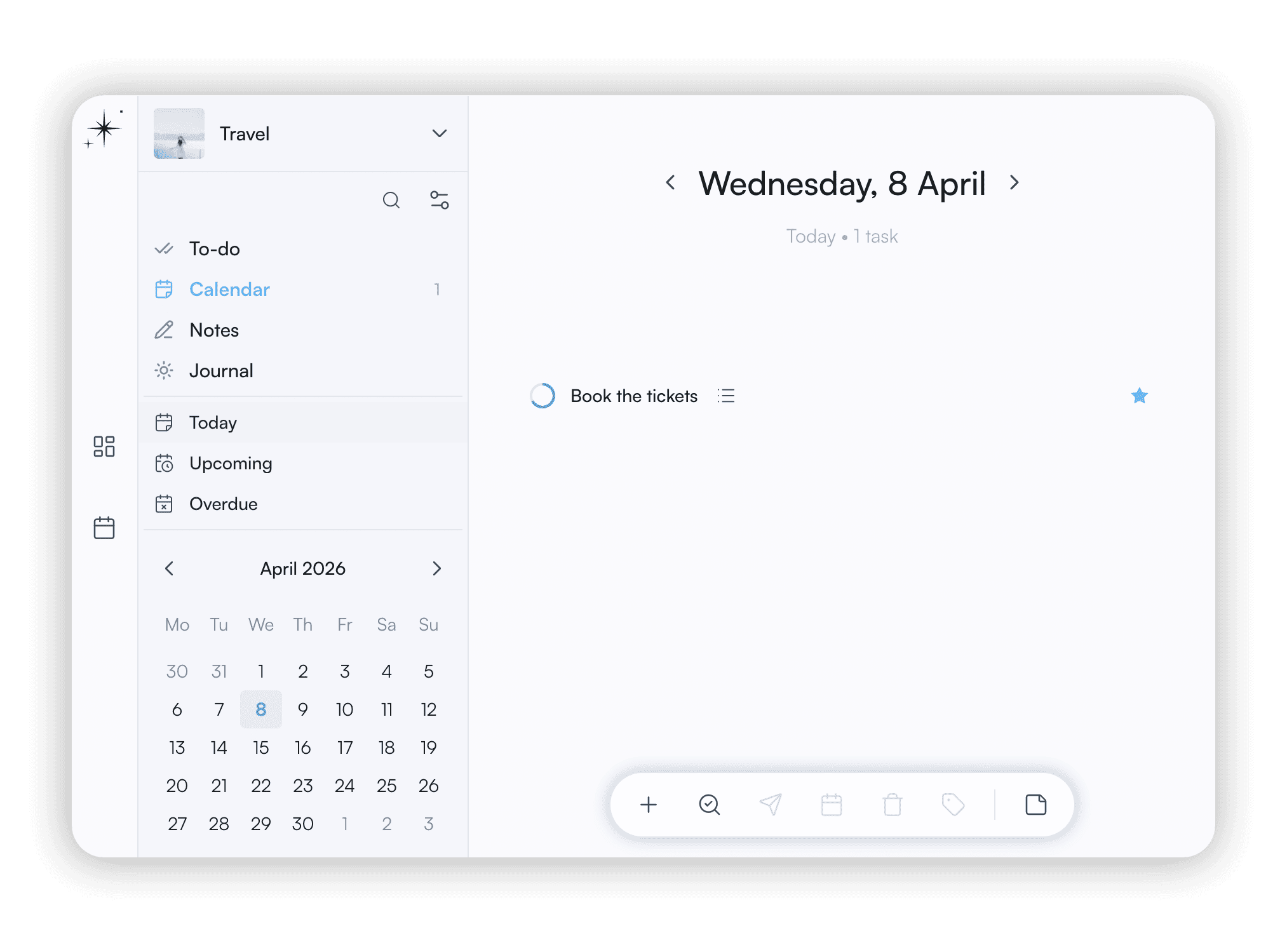
This is your main calendar. View of tasks scheduled across different planners for any day. It keeps you up to date without digging into details.

Switching between calendars is seamless. See upcoming, recurring, and overdue tasks. Use for later option to hide tasks.

Notes

Think and note

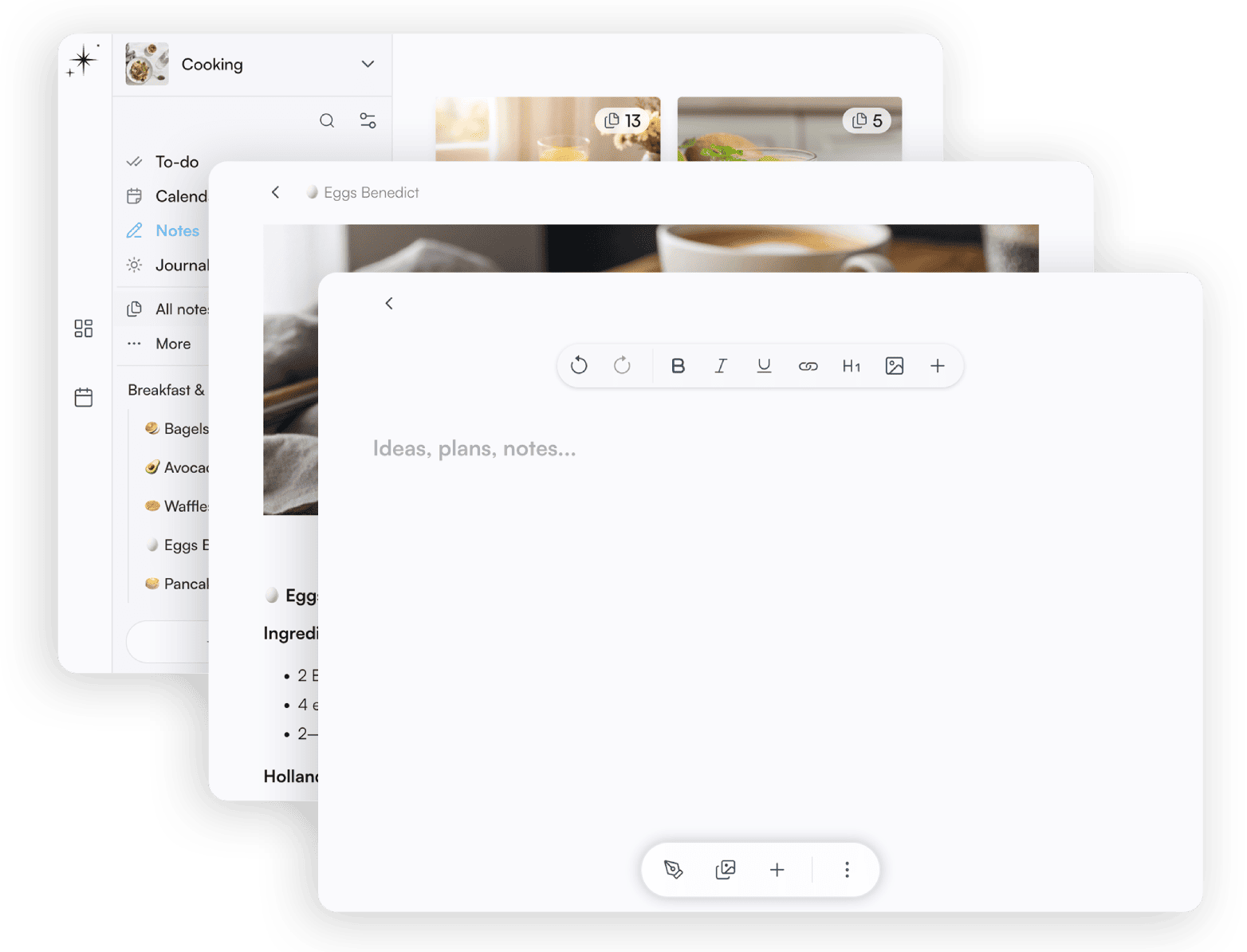
Notes view

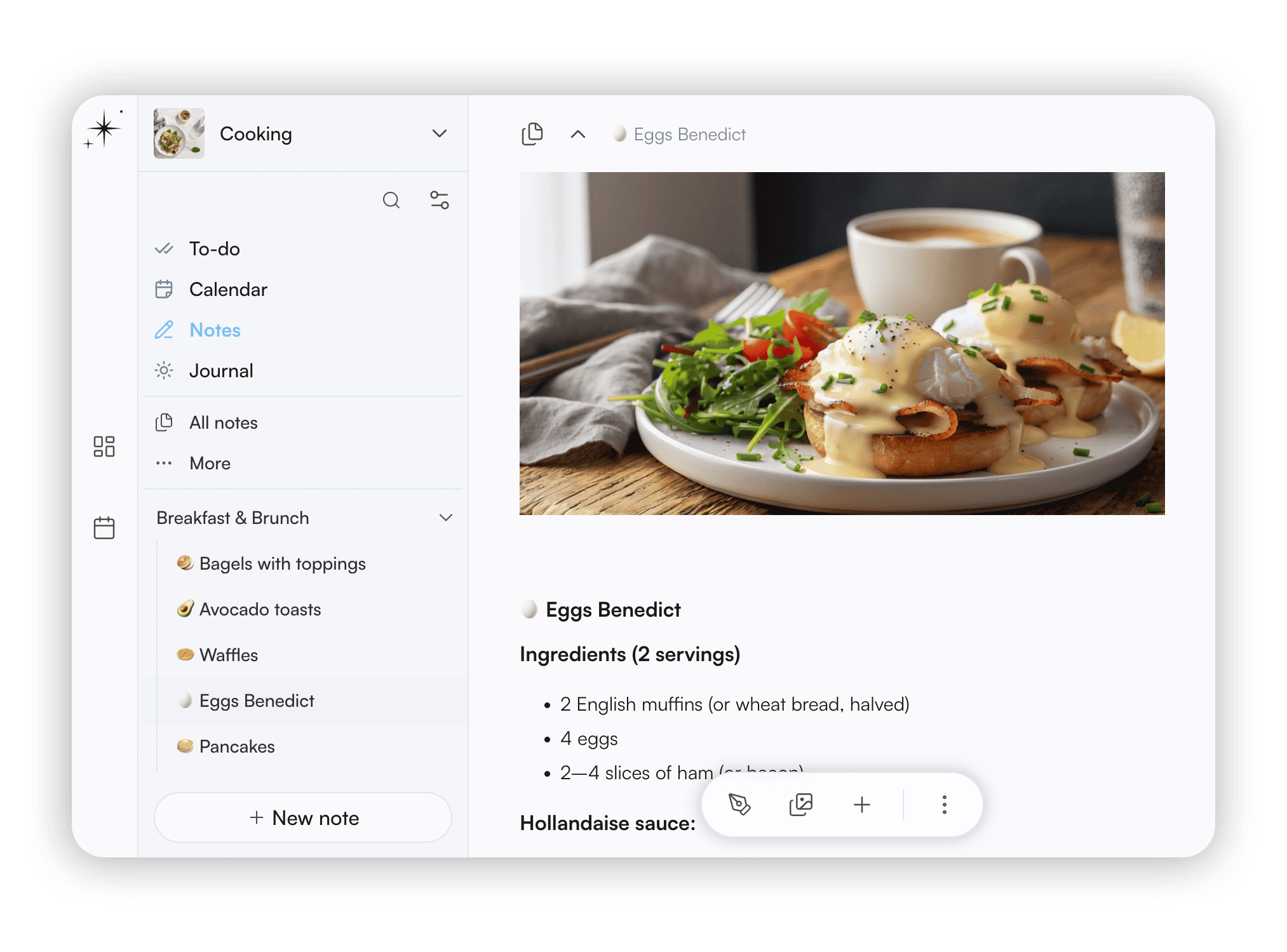
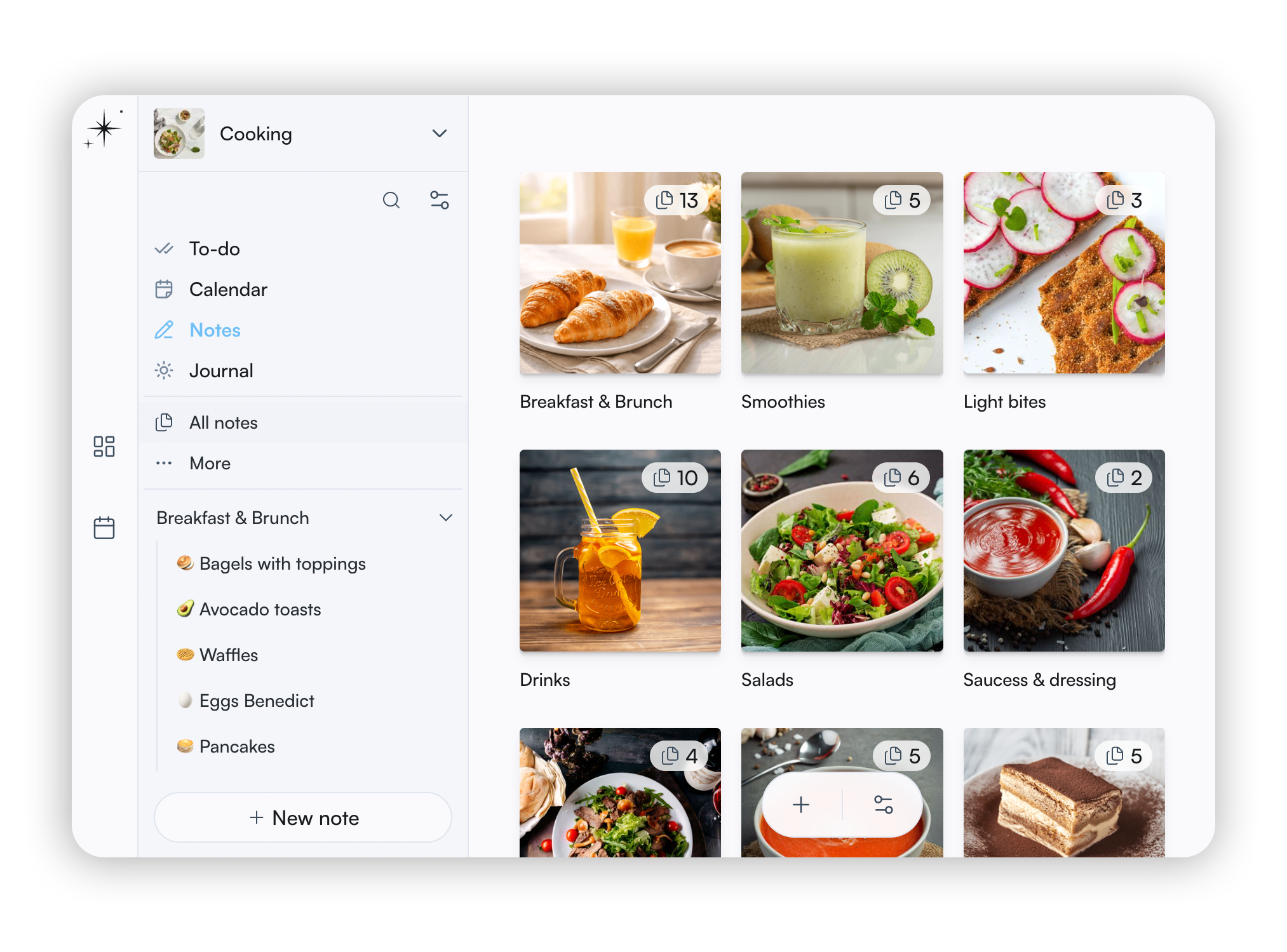
Capture ideas and build your foundation using rich text editor and galleries. No AI, no algorithms trying to think for you. Trust your intuition and build your own knowledge base.

Notes are standalone, but you can link them to tasks for quick reference. Create a hierarchy by nesting notes.

Todo

Organize your to-dos

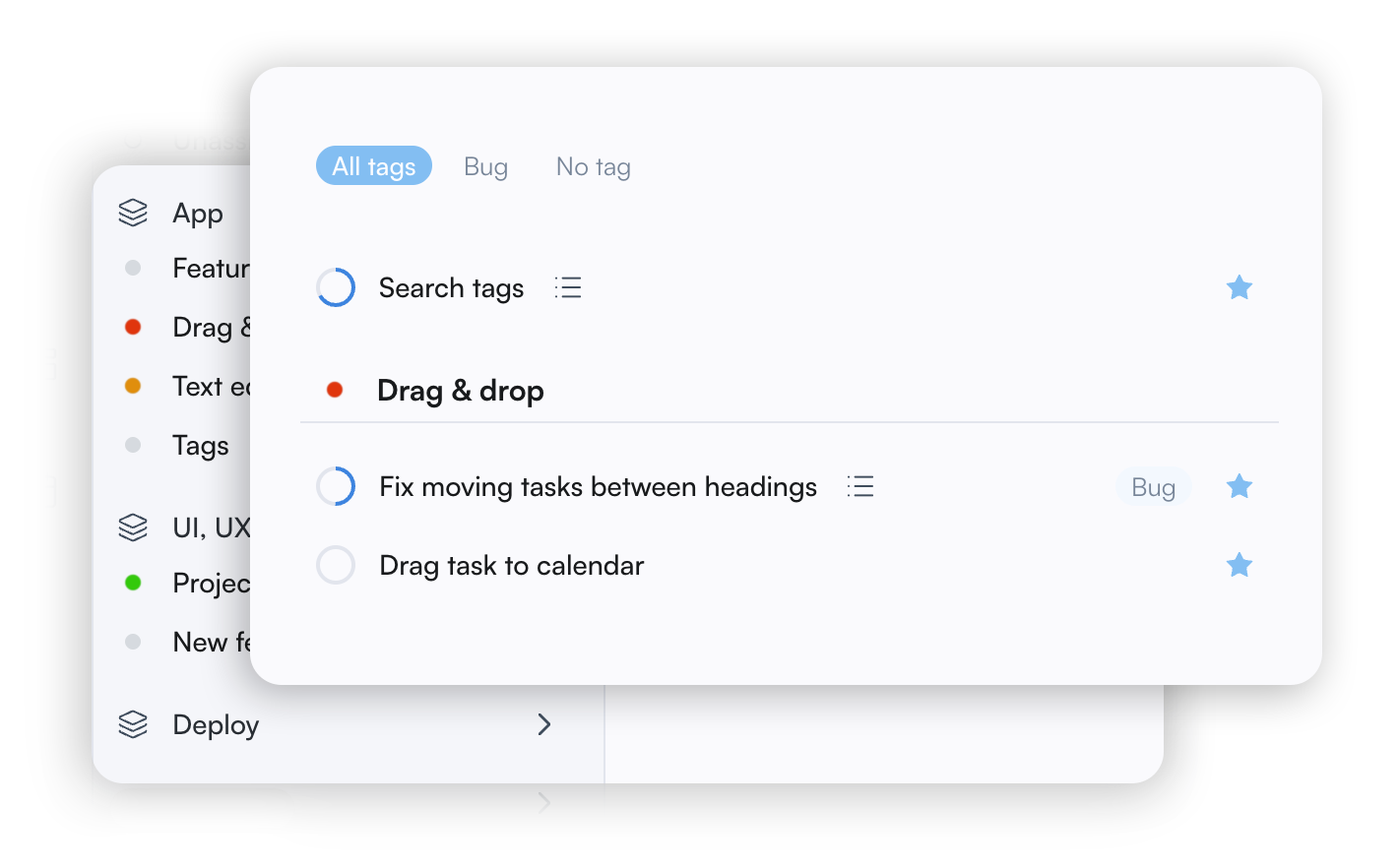
Tasks and projects view

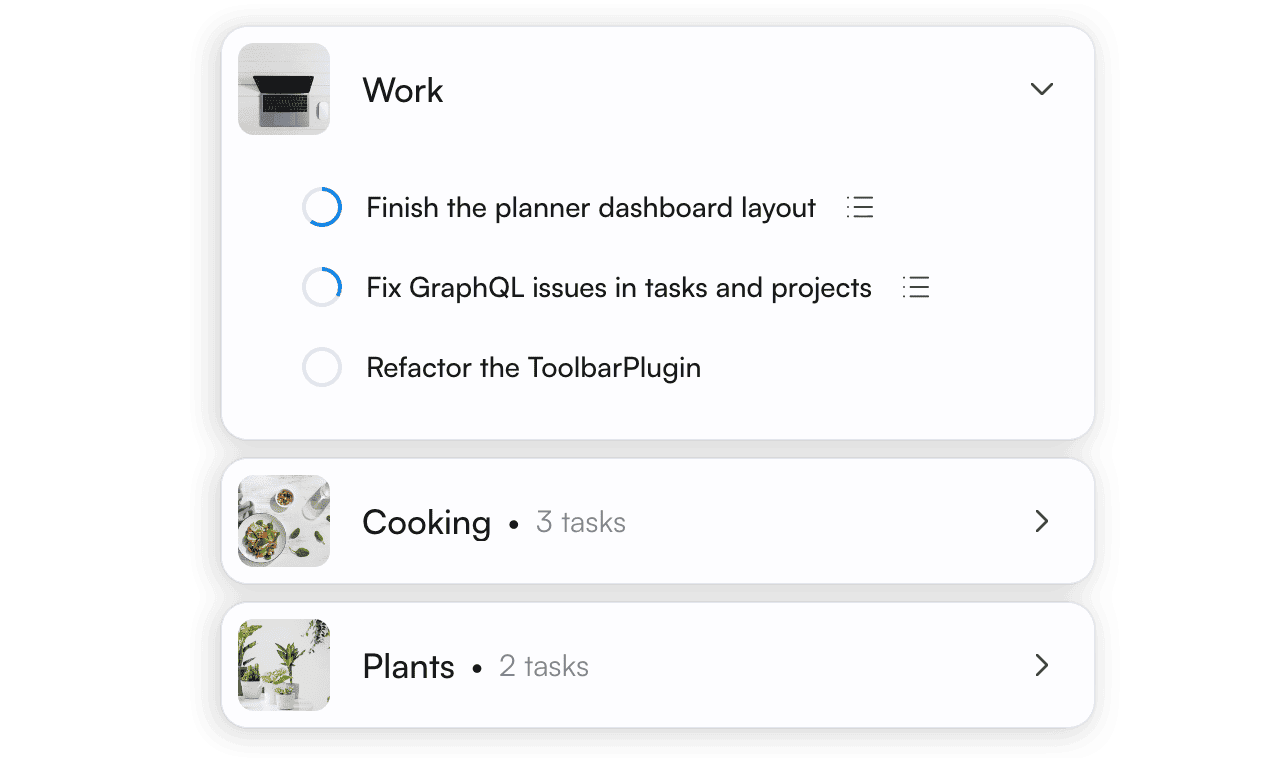
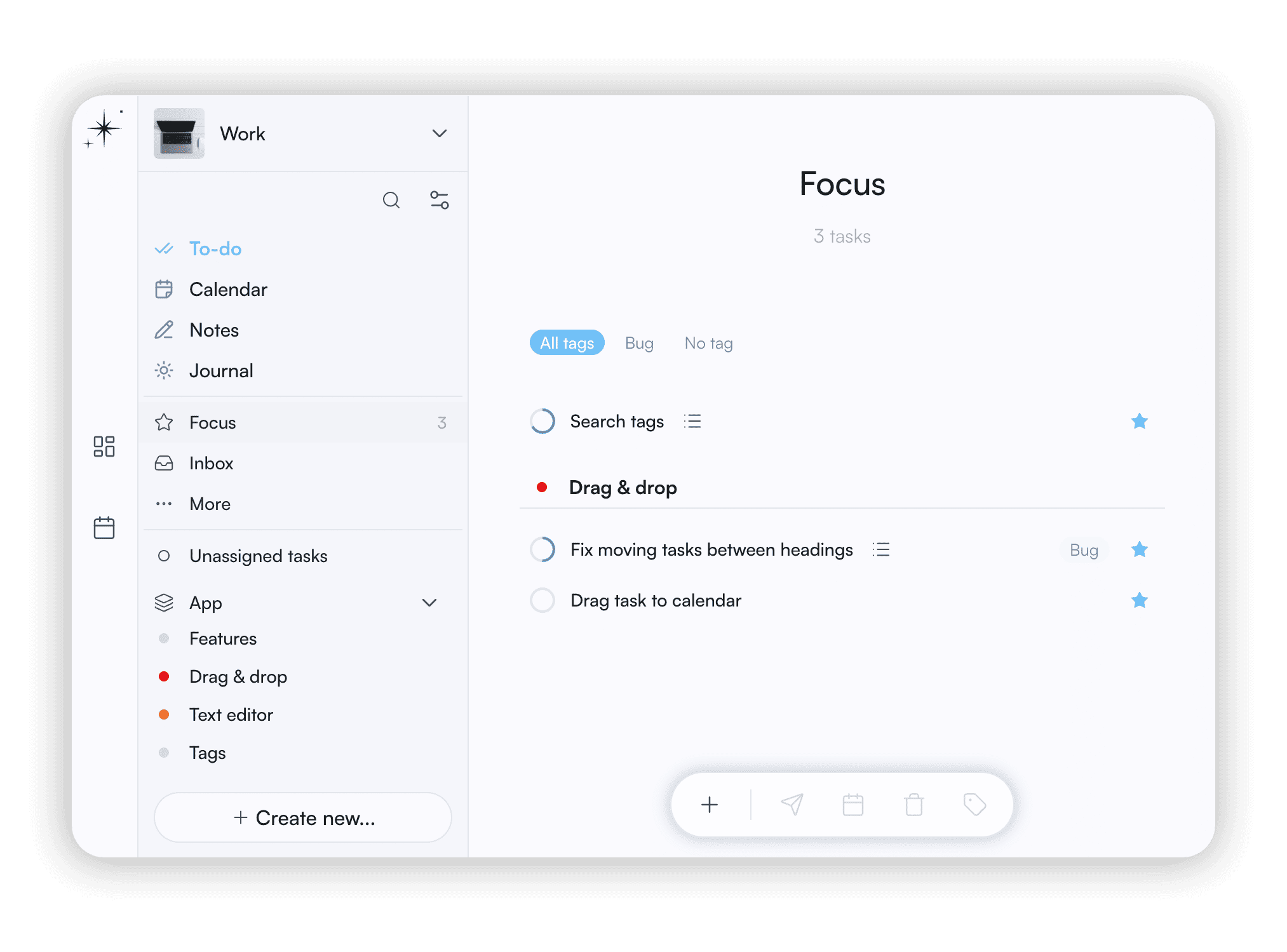
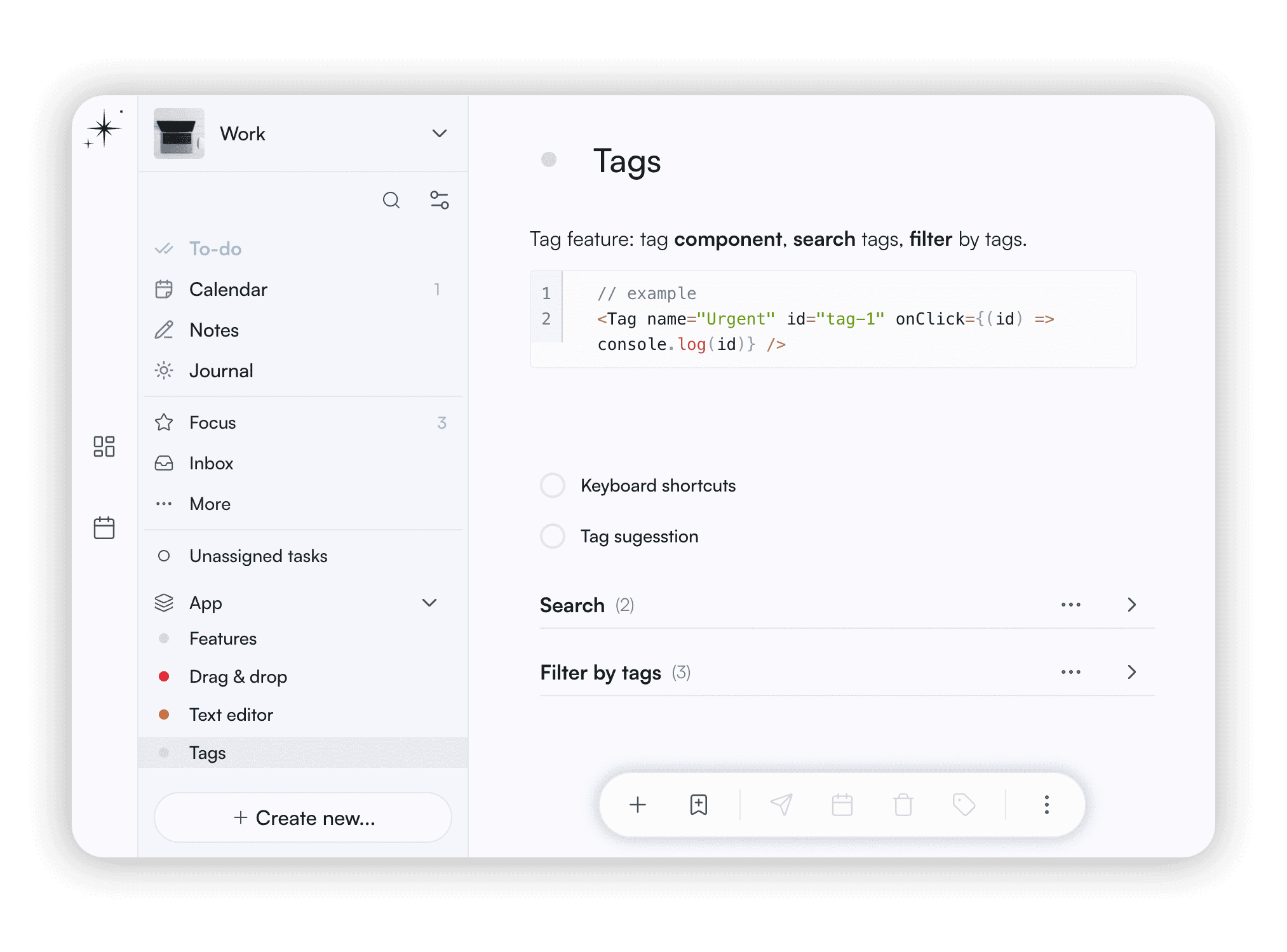
Organize your tasks using projects, areas, tags, logbook, and other tools. Quick and easy with drag&drop, keyboard shortcuts, and bulk actions. Add context and descriptions to your projects to avoid the friction of raw lists.

Keep the tasks you're working on at hand in Focus view, just mark them with a star.

Calendar

Plan in calendar

Calendar view

Each planner has its own calendar. Schedule training sessions in one, travel plans in another. You always see just the context you're in.

Check what’s due today, jump to any date, or track your upcoming,recurring, and overdue tasks.

Journal

Journal for your story

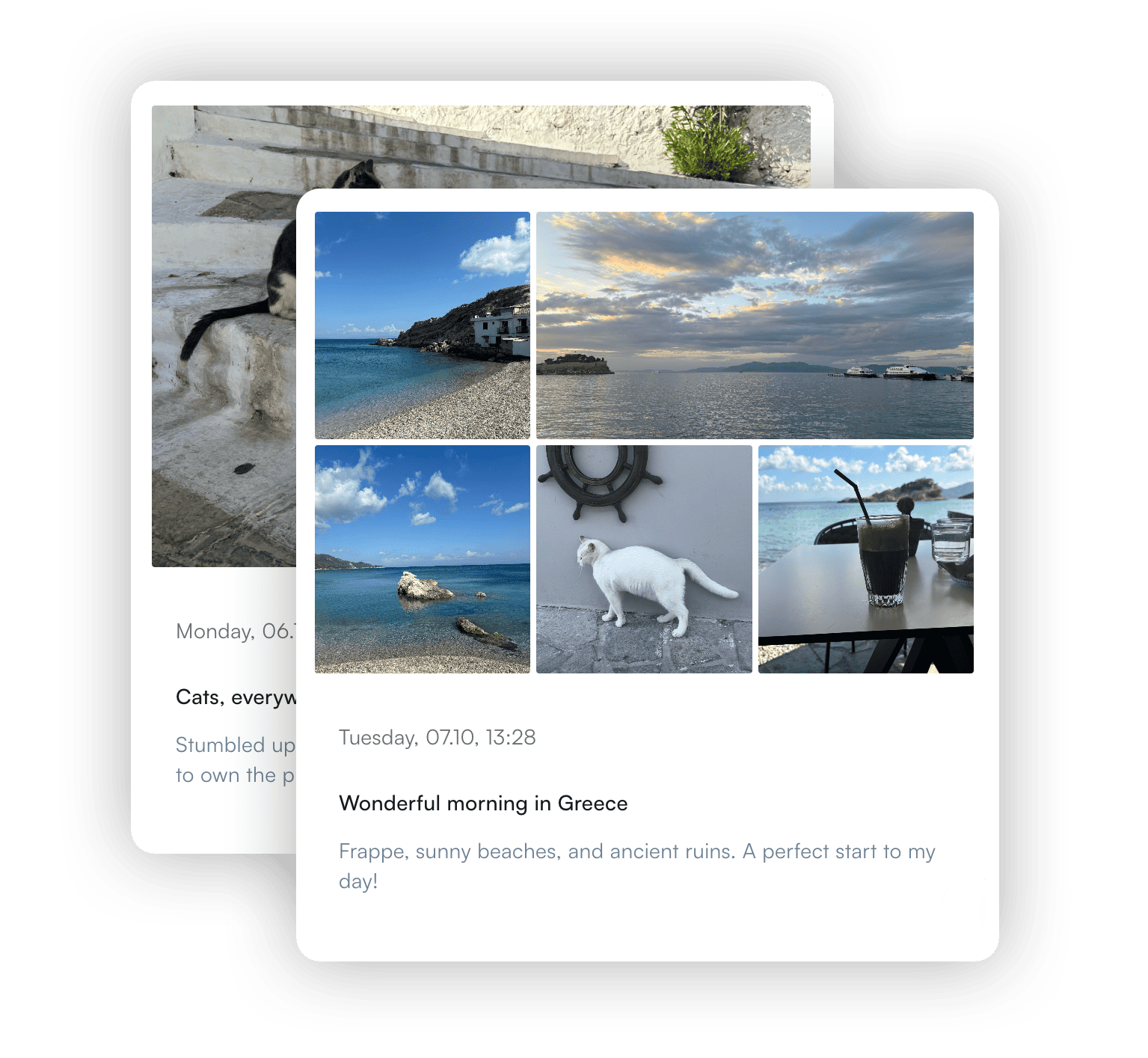
Journal view

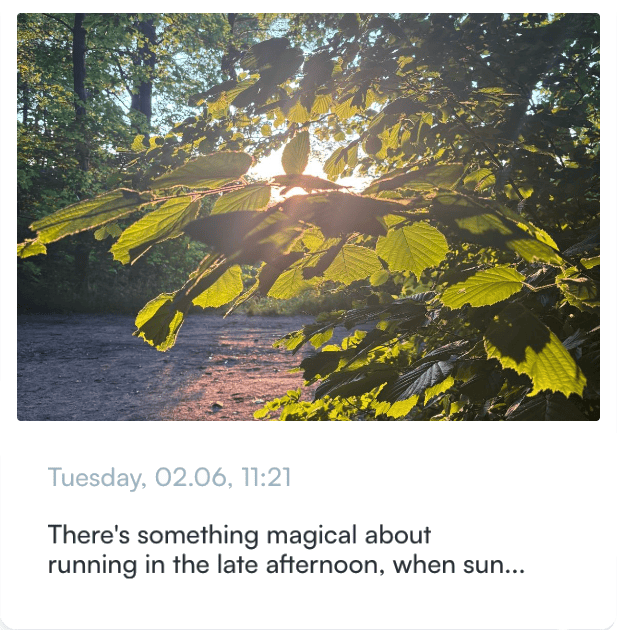
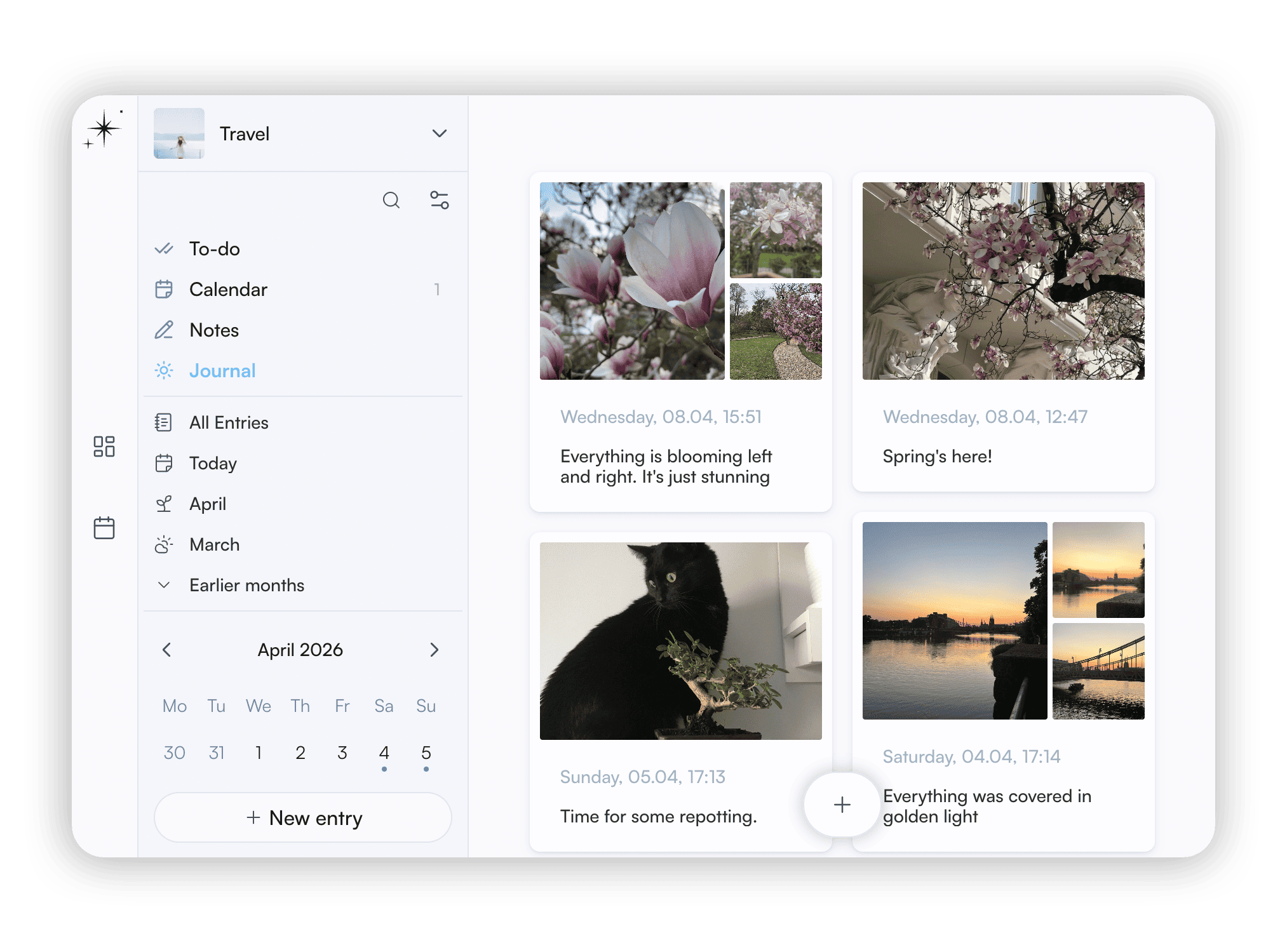
Capture your thoughts in a rich text editor with photos and galleries. It’s your private feed and a chronological record of your progress. Write freely, with no automatic streaks or other distractions. Stay motivated by seeing your growth over time. Look back to notice patterns and react quickly.

Task

Drop a task

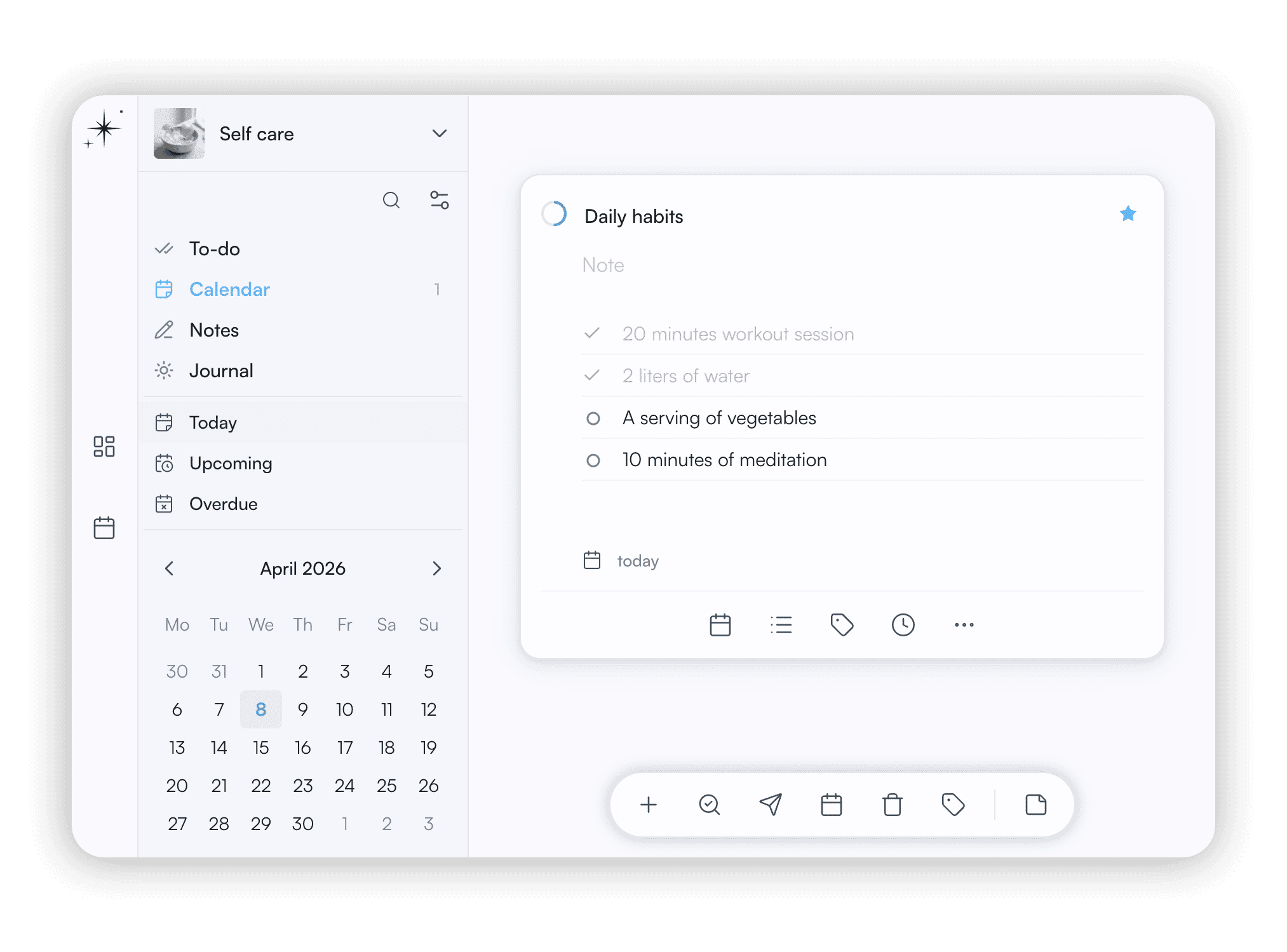
Quick, intuitive, and functional. Add task with one click. Use tags, checklist, due date, notes, deadline, and more. Set recurring to automate your routine.

Scale your workflow. Break tasks into smaller steps and track progress. Turn checklist items into tasks or tasks into projects.

Create own flow

Let's take plants as an example. Create a new planner just for plants. Take notes on what your plants need, so you have a handy reference for caring for each specific plant. Build a care plan and schedule tasks in your plant care calendar. Keep a journal to observe your plants as they grow and collect photos along the way.

  • Switch contexts

    Keep work, home, and passions in their own spaces. Switching becomes effortless when every area has its own clear place.

  • Create story, not just lists

    Add notes, photos, and background. It reduces the friction when you come back to a task or project.

  • Decide once, not every time

    Set up realistic plans and routines. When you don't have to choose what to do next, you save energy for the work itself.

  • Keep the thread

    Even a few minutes, or just checking in and doing one small thing prevents the friction of starting over from scratch.

  • Break it into smaller steps

    Big goals can be paralyzing. Small steps help you move forward without feeling the pressure.

  • Notice what changed

    Write down what happened, not just what you achieved. Small shifts add up, and a journal makes them visible.

Start here

Start free. No credit card required. Create account and see how it works in minutes.